
Rollbacks and version history for Docker Swarm apps
Every image you deploy is kept as a numbered version. If a release goes wrong, go back to an earlier one in one click, without a pipeline run.
A history you can read
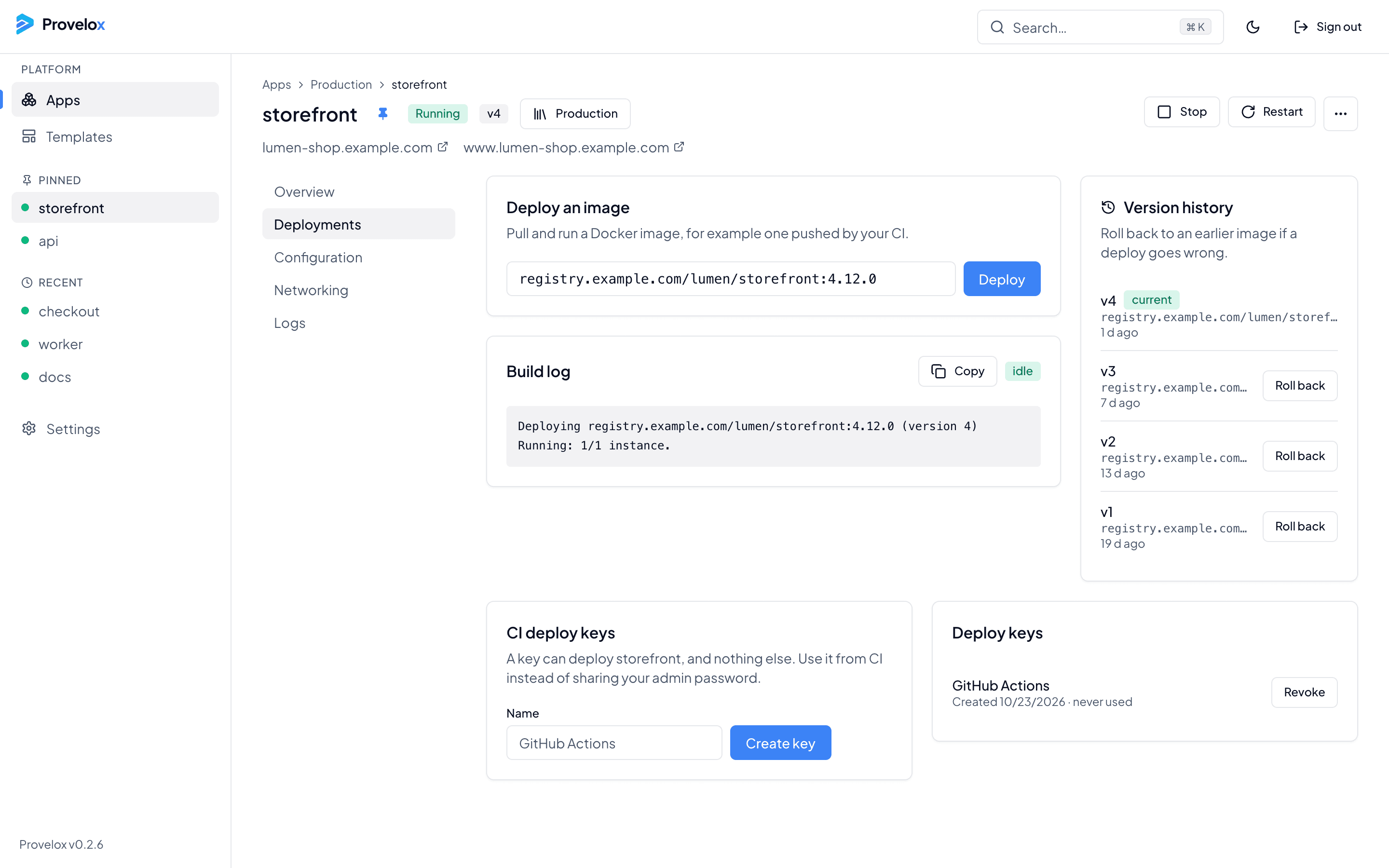
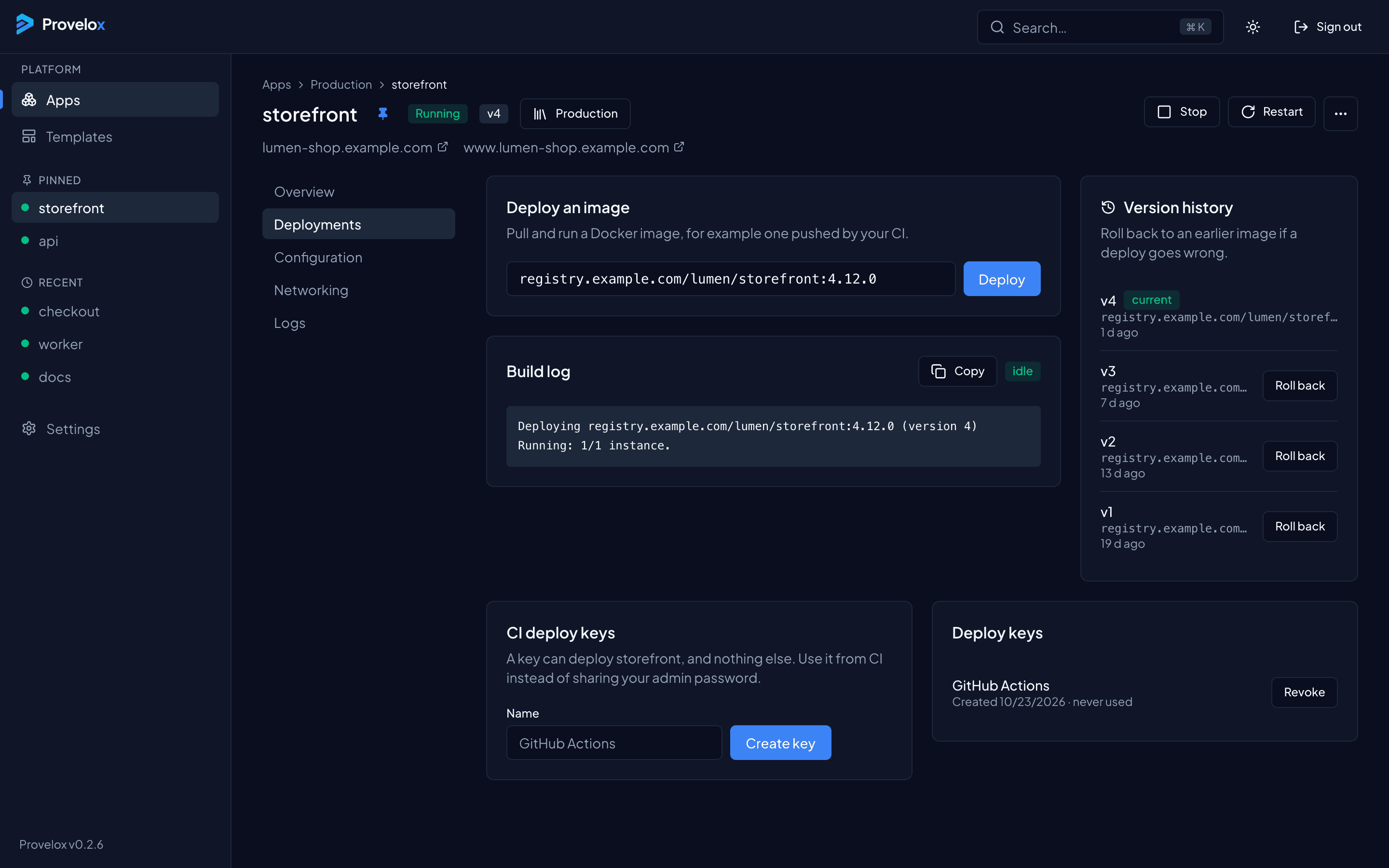
The Deployments tab lists each version with its image and how long ago it was deployed, and marks the one that is running. You always know what is live and what was live before it.
Watch it roll out
A deploy shows its progress as it happens: how many instances are up, and what the rollout is doing. If the new version does not come up, the log is next to it.
Back in one click
Roll back from any earlier version in the list. There is no pipeline run to wait for: the earlier image is deployed again straight away.
Questions about this
- How many versions are kept?
- The versions you deployed are listed with the app, newest first, and any of them can be rolled back to while its image can still be pulled.
- Do I need my pipeline to roll back?
- No. A rollback is a button in the console, so it works even when your CI is the thing that is broken.