
Deploy Docker images from CI with one request
Your pipeline builds the image and pushes it. Then it makes a single request with a key that can deploy that one app, and Provelox rolls it out.
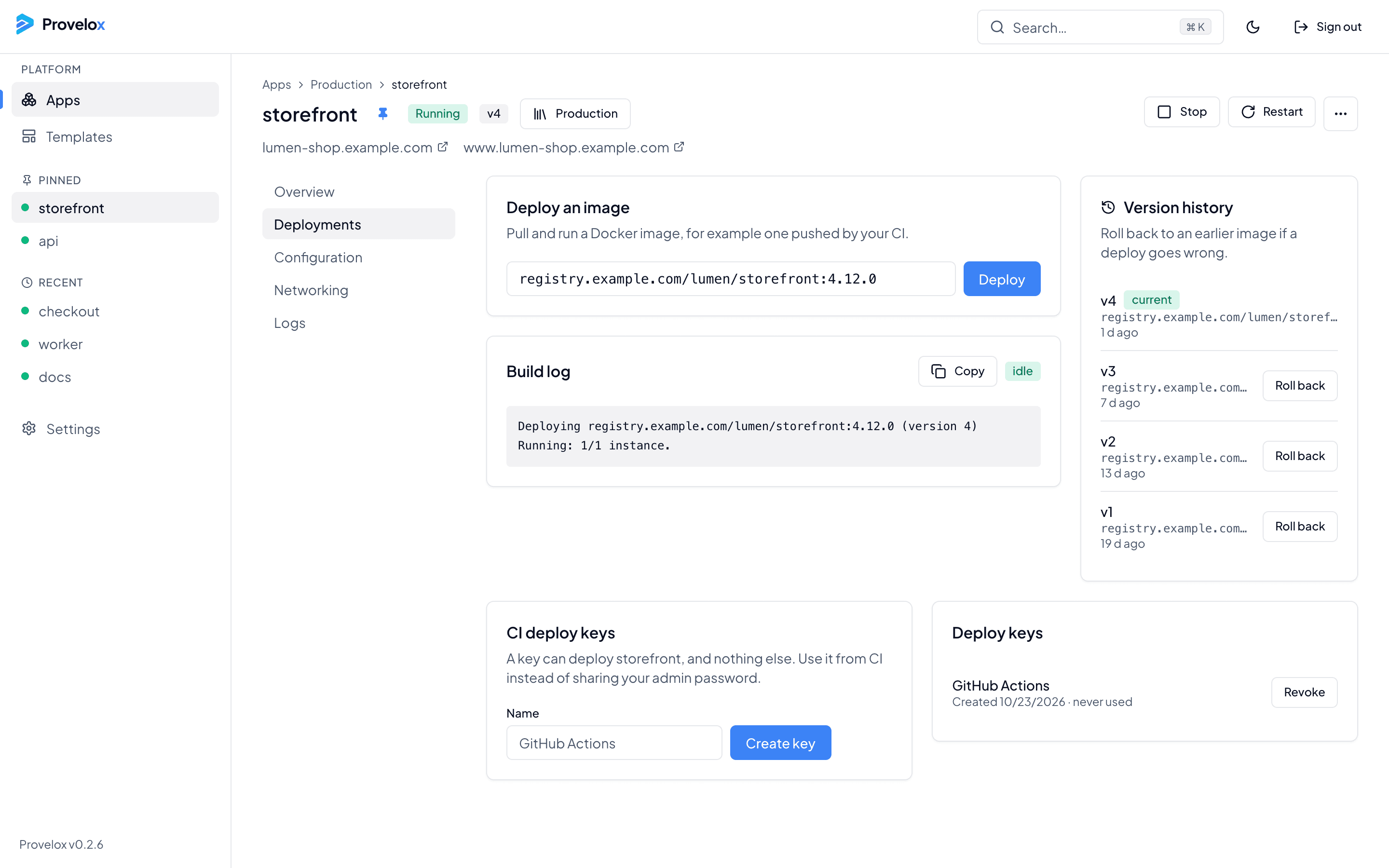
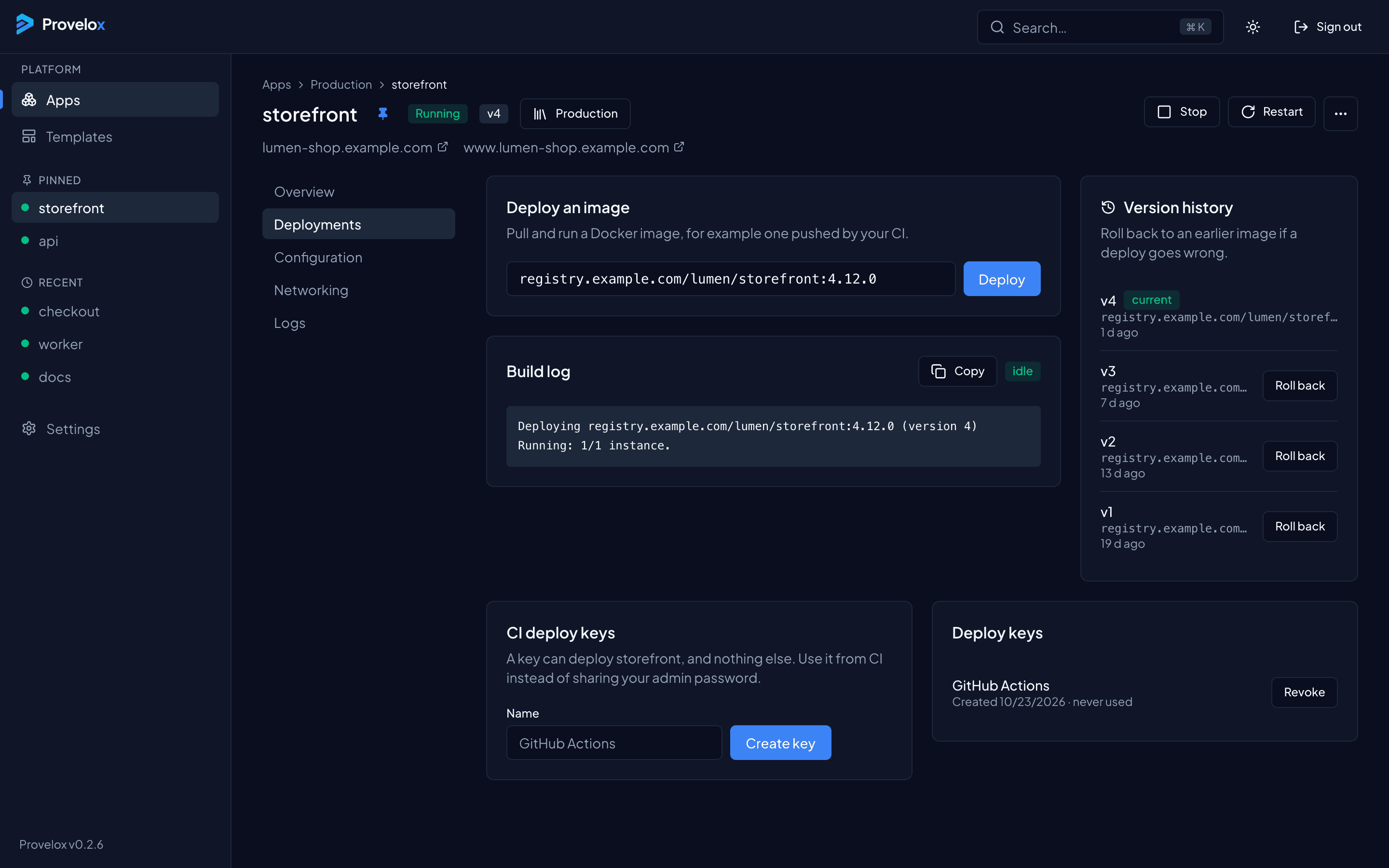
A key that can do one thing
Each app can have its own deploy keys. A key is allowed to deploy that app and nothing else, so a leaked CI secret cannot read your other apps, change their variables or stop them. Name each key after where it is used, see when it was last used, and revoke it from the app or from Settings.
One request from any pipeline
The request carries the new image tag. It works from any CI that can run curl: GitHub Actions, GitLab CI, a Makefile, a shell script on your laptop. Your admin password never has to leave the console.
Follow it, and undo it
The deployment shows its progress and a build log, and every version you have deployed is kept. If the new release misbehaves, roll back to an earlier one from the console in one click.
Questions about this
- Does Provelox build my images?
- No. Your pipeline builds and pushes the image to a registry, and Provelox pulls it. Add the registry login once in Settings if the images are private.
- Can one key deploy several apps?
- No. A key belongs to one app, by design. Make one key per app and per pipeline.
- Where do I find the key?
- On the app's Deployments tab, and in Settings, which lists the keys of every app.