
App templates, and your own template registry
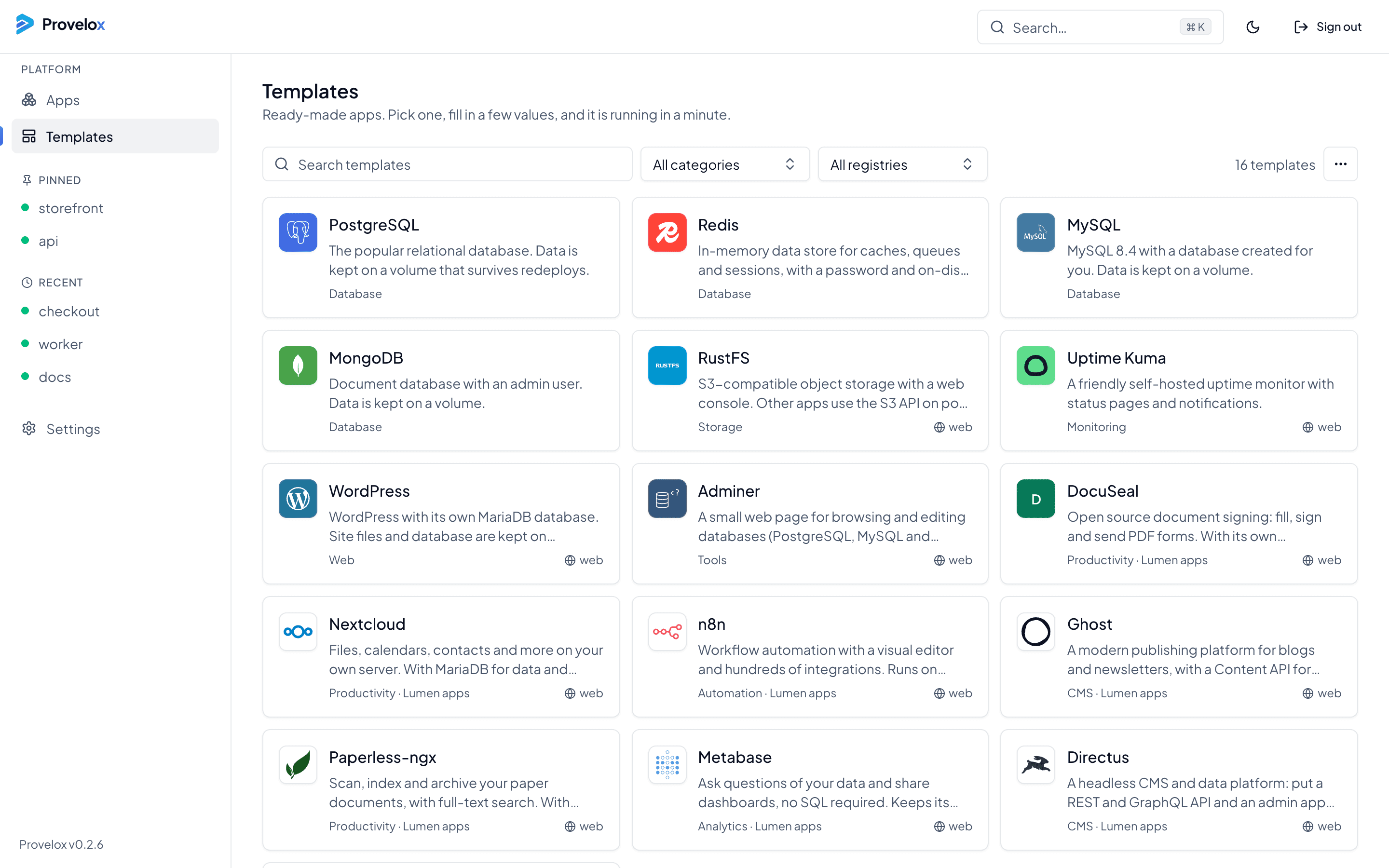
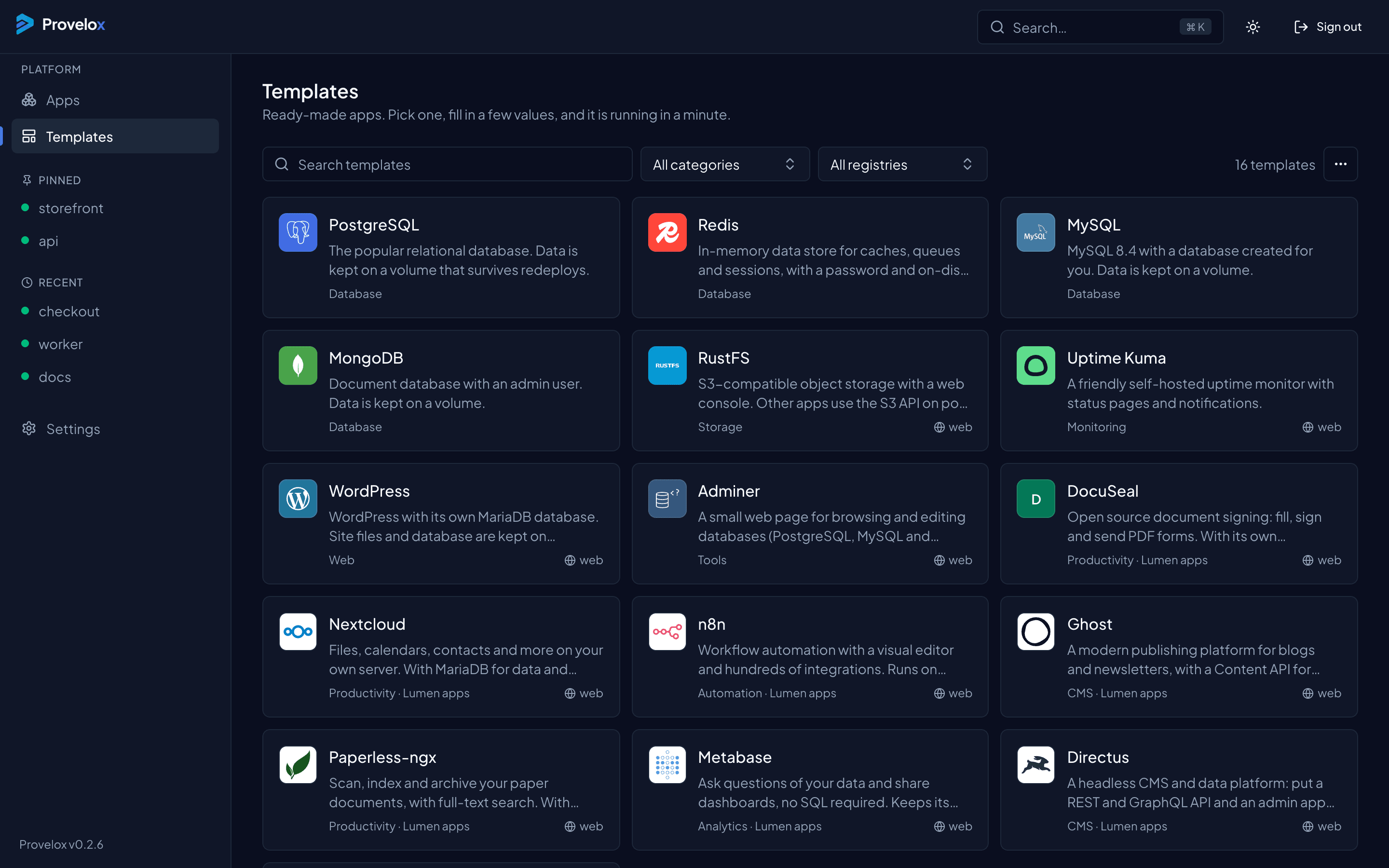
Pick a template, fill in a few values, and it is running in a minute. When the built-in list is not enough, add a registry of your own.
Apps with what they need
Templates cover databases and caches, and apps that need one, such as WordPress with its own database. A template with more than one service becomes a project, with the database kept private and only the web service given a domain.
Each template asks only for what it needs, such as a password, and the form shows the rest with its defaults.
Your own registry
A template registry is a single index file, or a git repository, that lists templates: a name, a description, a logo, the compose file and the variables it takes. Add it in Settings and its templates appear next to the built-in ones, marked with the registry they came from.
Templates from a registry get the same checks as a compose file you paste. A template that would be refused when pasted is refused here too.
Keep a team on the same list
Put the registry in git and every instance can read it, so the apps your team runs the same way start the same way. A registry that needs a token takes it once, when you add it.
Questions about this
- Can I make my own template?
- Yes. A template is a compose file with a short description and the variables it needs. List it in an index file, add the file in Settings, and it shows up in the Templates page.
- Where do the logos come from?
- A template can name one of the bundled logos, or give the address of an image of its own.
- Can a template have a database?
- Yes. A template with several services becomes a project, and the services that are not public stay on the private network.