
A web console for Docker Swarm
Everything Provelox does is in one console: your apps in collections, a command palette for anything you do often, your servers, and settings that are organised by topic.
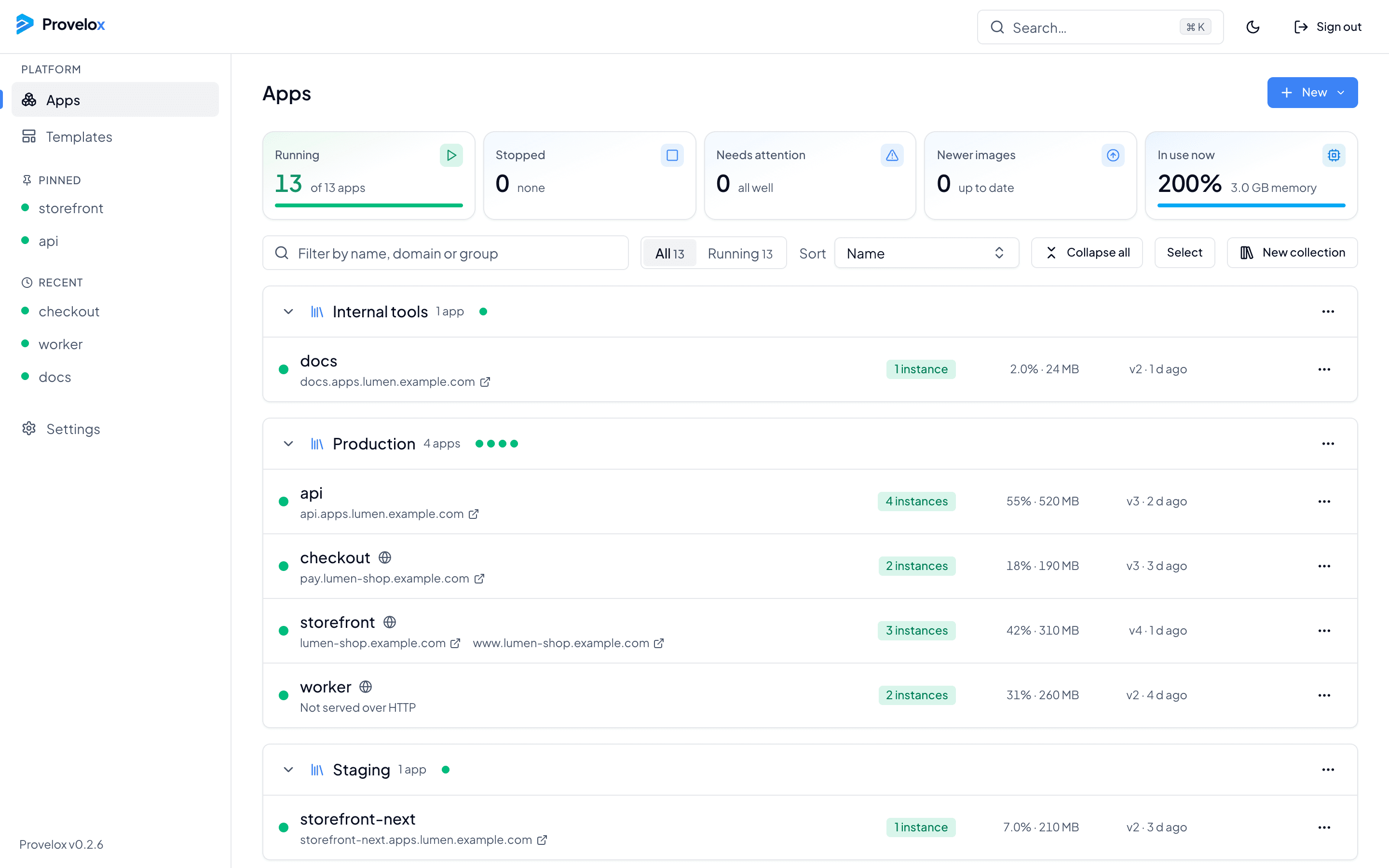
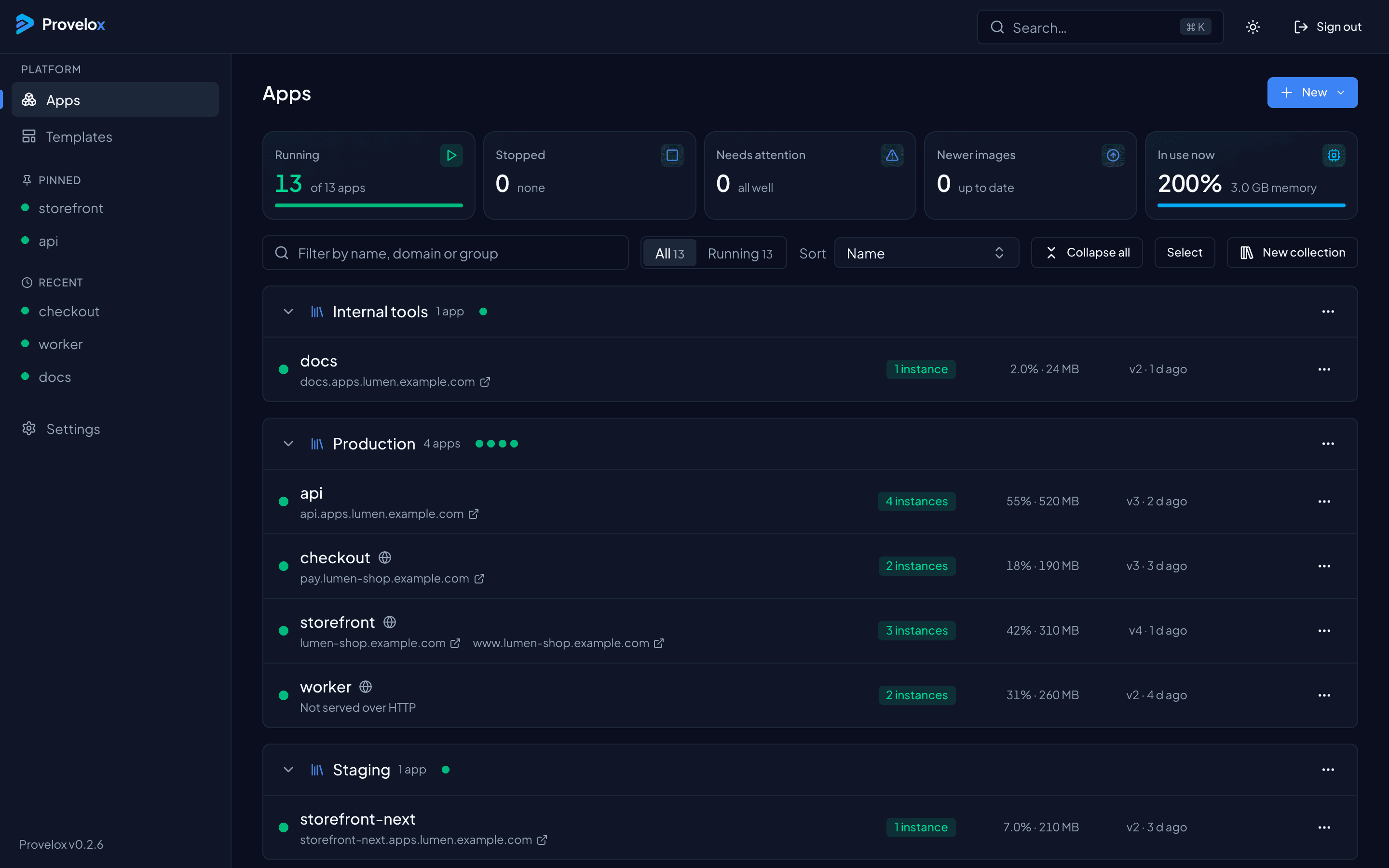
Apps in collections
Group apps the way you think of them: by product, by environment, by team. A collection page shows its apps with their status, address, instances, CPU and memory, and collections can be collapsed, searched and sorted.
From the keyboard
Press ⌘K to restart, stop or deploy the app you are on, add a domain or a variable, rename or pin it, or jump to any app or page. Pinned and recent apps are in the sidebar, one click away.
Servers and settings
See the machines in the cluster with their roles and capacity, add another, or drain one before you work on it. Settings are grouped by topic, with an overview that shows where each one stands. Light, dark or follow your system.
Questions about this
- Do I need Docker Swarm already?
- You need Docker. Provelox runs on Swarm, which is part of Docker, and one server is enough to start.
- Can I rename an app later?
- Yes. Other apps that refer to it by its old name are found, and you can update them in the same step.