
Run Docker Compose apps on your own servers
Paste the compose file you already have. Provelox shows what it will create, then runs each service on Docker Swarm, on a private network where the service names in your file keep working.
Preview before anything is created
A project starts from a compose file. Before anything runs, Provelox lists the apps it would create, the volumes and secrets they use, and anything it will not accept, so a problem shows up as a message rather than a half-deployed stack.
Variables written as ${NAME} become a short form: fill them in once, with a default where the file has one.
Services that find each other
Each service becomes an app. They share a private network, so a service called db or redis is reached by that name, as it is when you run the file on a laptop. Only the services you mark as public get a domain; the rest are not reachable from the internet.
Replicas, volumes and environment come from the file. A small extension marks which service is public and which port it listens on.
One page for the whole project
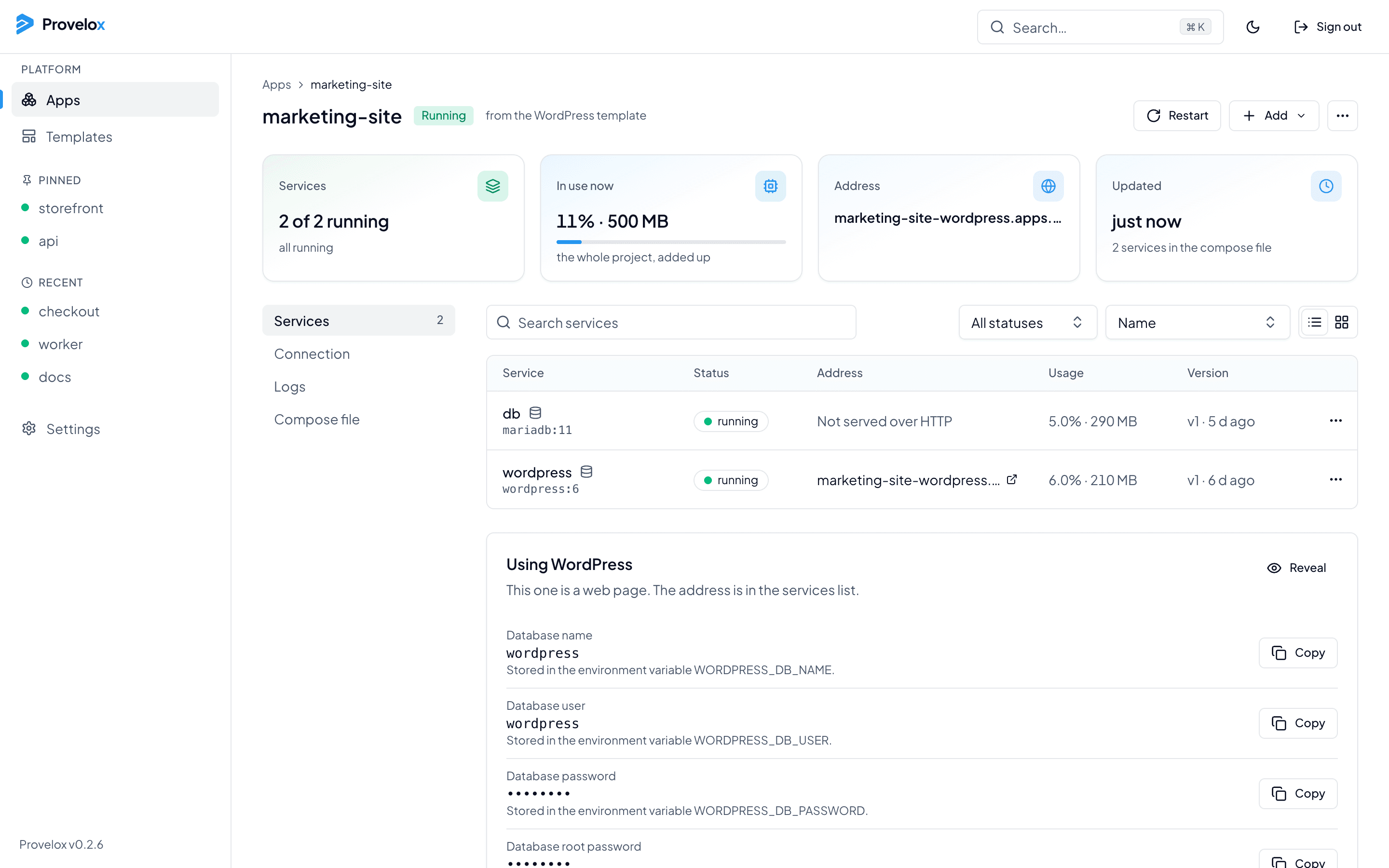
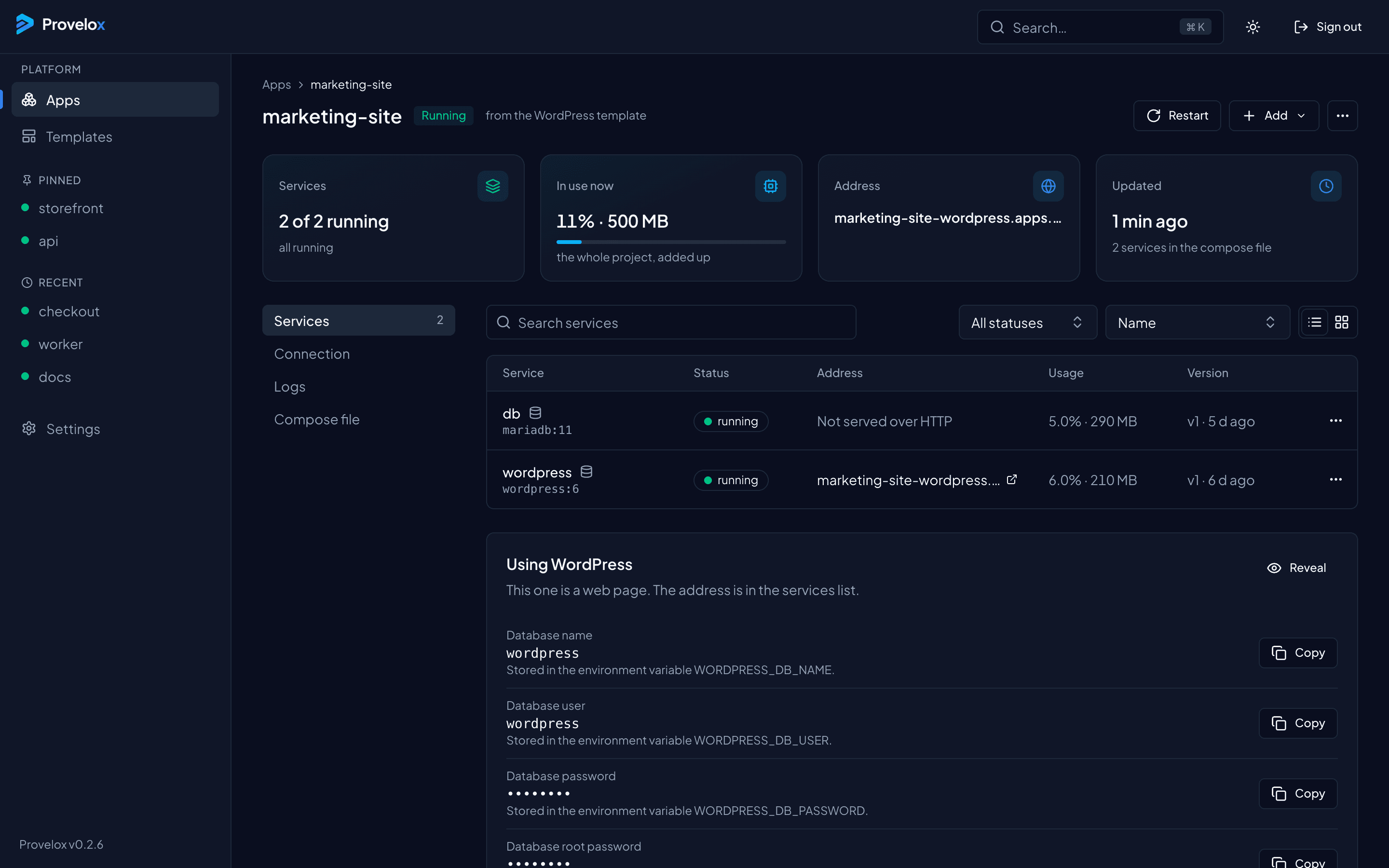
A project has its own page: its services and their status, how much they use together, the values other apps use to connect, the logs, and the compose file itself. Add a service later, or add another template, without starting over.
Questions about this
- Does it run docker compose?
- No. It reads the compose file and runs each service as a Docker Swarm service, which is what lets it roll out, restart and roll back each one on its own and spread them across servers.
- Do my service names still work?
- Yes. The services of a project share a private network and answer to the names in the file, so DATABASE_URL pointing at db keeps working.
- Can I change the file after it is deployed?
- Yes. Edit the compose file from the project page and apply the change.